So The first thing I will talk about is Covers.
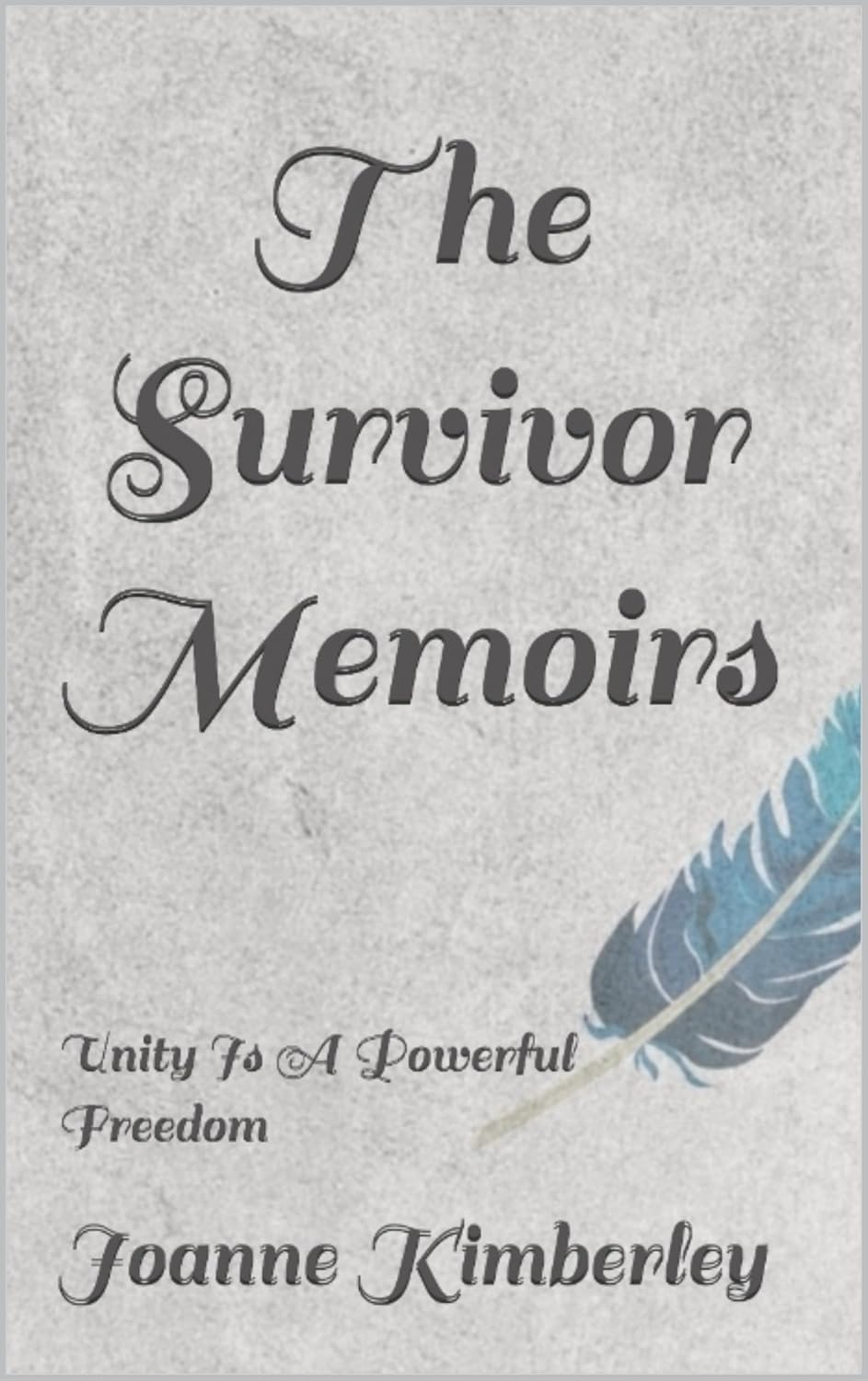
Obviously I use Canva. I also use the feature that Barnes and Nobles has. I upload the front and rear cover and get the spine from them. The cover option in Canva is slightly too small. The dimensions of the cover need to be 1600×2268 and the base size is 1400x…
The temptation to use the templates should be avoided. Everyone sees those. I made the mistake of using the template with no modification once. There were at least 50 other books with the same cover. If you see a cover in the templates that you love…modify it and make it suit your book more. The rear cover should not be busy. You want your blurb to be visible.
Amazon has templates that give you a pdf cover. You merely add your image. The easiest way is to use Libre Draw and remove the text and lines. These will flag as unembedded fonts if you don’t. Then save it directly as a PDF. This is what you want for the feature at Barnes and nobles. They ask you for the title, the author name, and the text color and spine color. They have a limited font selection but it is a good one.
If you are good with art programs(such as adobe or gimp) you can do the spine yourself. I just don’t know how to get the text to lay right on my own, so I use the tool.
The idea seems to be floating around that you have to match your cover to the genre. There is some cases where I would argue that you should personalize the cover to match the book. If you do, then it should fit the genre.
Now I am of the belief that doing the creation process does not have to be expensive. That being said, I do have the pro version of Canva. It costs me $13 a month to have my pick of the photos. Could I do it on the free version? Yes but I enjoy the options. Otherwise I will be recommending freeware or software that is not costly.

 Pattimouse